 -by
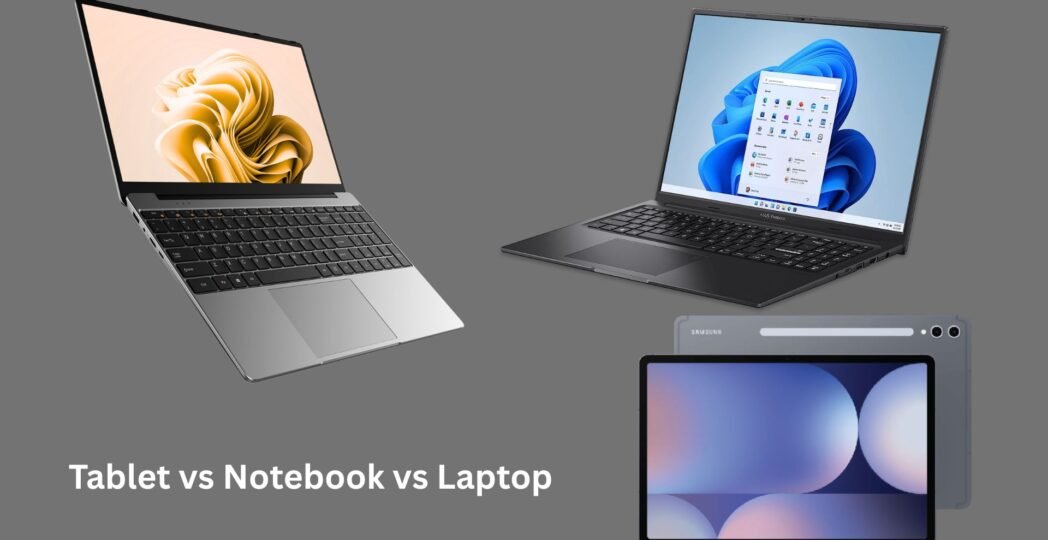
-by Choosing the right portable device can be confusing because there are so many options available today. Many people search for tablet vs notebook vs laptop to understand which device best fits their needs. Although these devices may appear similar, they are designed for different purposes.
A tablet offers maximum portability and touchscreen convenience. A notebook is lightweight and ideal for basic computing tasks, while a laptop provides powerful performance for work, gaming, content creation, and multitasking. Whether you’re a student, business professional, traveler, gamer, or casual user, understanding the differences can help you make a smarter buying decision.
In this detailed guide, we’ll compare tablets, notebooks, and laptops based on performance, portability, battery life, display, storage, price, and real-world usage so you can confidently choose the best device.
What Is a Tablet?
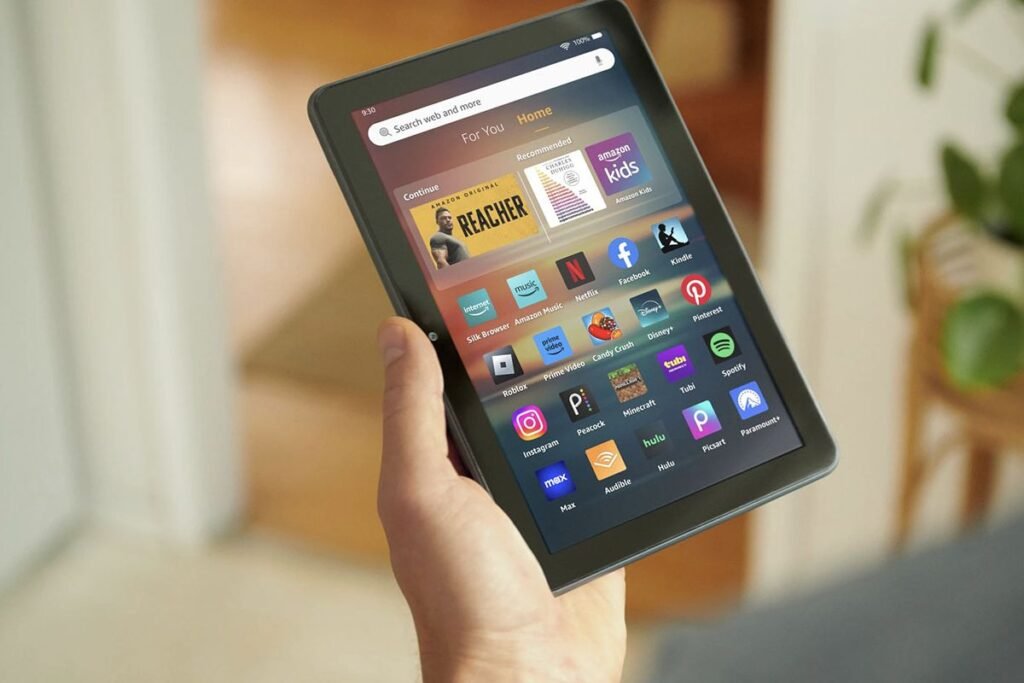
A tablet is a portable touchscreen computer designed for mobility and simplicity. Most tablets run Android, iPadOS, or Windows.
Instead of using a traditional keyboard and mouse, tablets rely primarily on touch input. Many models also support detachable keyboards and stylus pens for added productivity.
Advantages of Tablets
- Extremely lightweight
- Long battery life
- Instant startup
- Great for reading and streaming
- Excellent for note-taking
- Easy to carry everywhere
Disadvantages
- Limited desktop software
- Smaller storage capacity
- Less multitasking capability
- Difficult for heavy workloads
Looking to stay updated with the fast-changing tech world? Visit techallworld.com for trusted technology news, how-to guides, software recommendations, and gadget reviews.
What Is a Notebook?
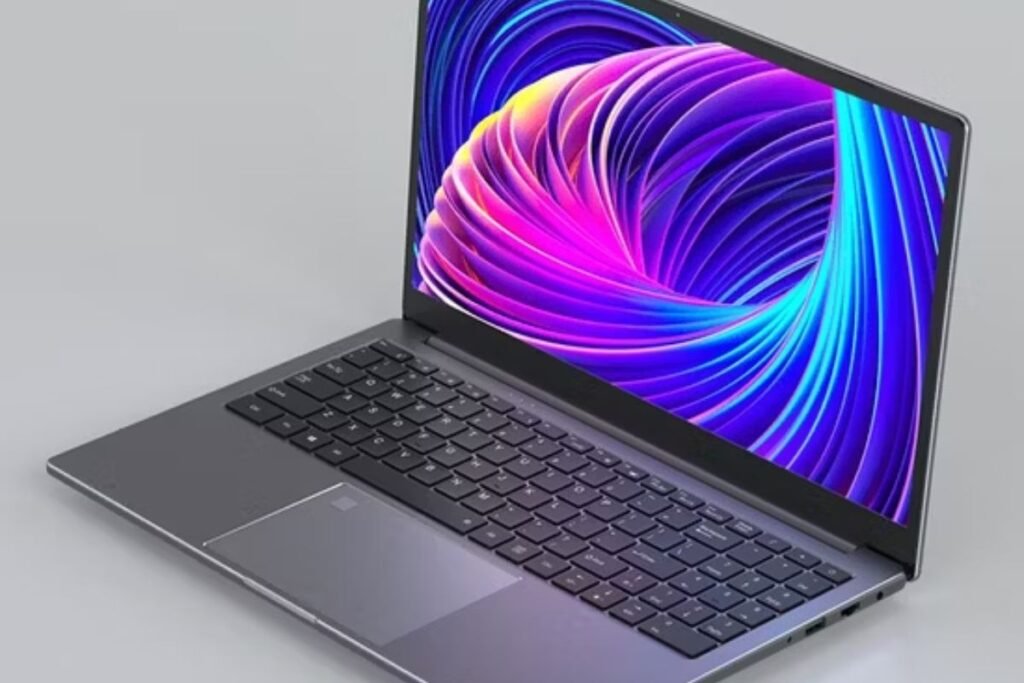
A notebook is a compact, lightweight computer designed mainly for everyday computing tasks.
Traditionally, notebooks focus on portability rather than maximum power. Modern notebooks usually include:
- Full keyboard
- Touchpad
- SSD storage
- Windows or ChromeOS
- Lightweight design
Many affordable student laptops are often marketed as notebooks today.
Best Uses
- School assignments
- Office documents
- Web browsing
- Video calls
- Online learning
What Is a Laptop?
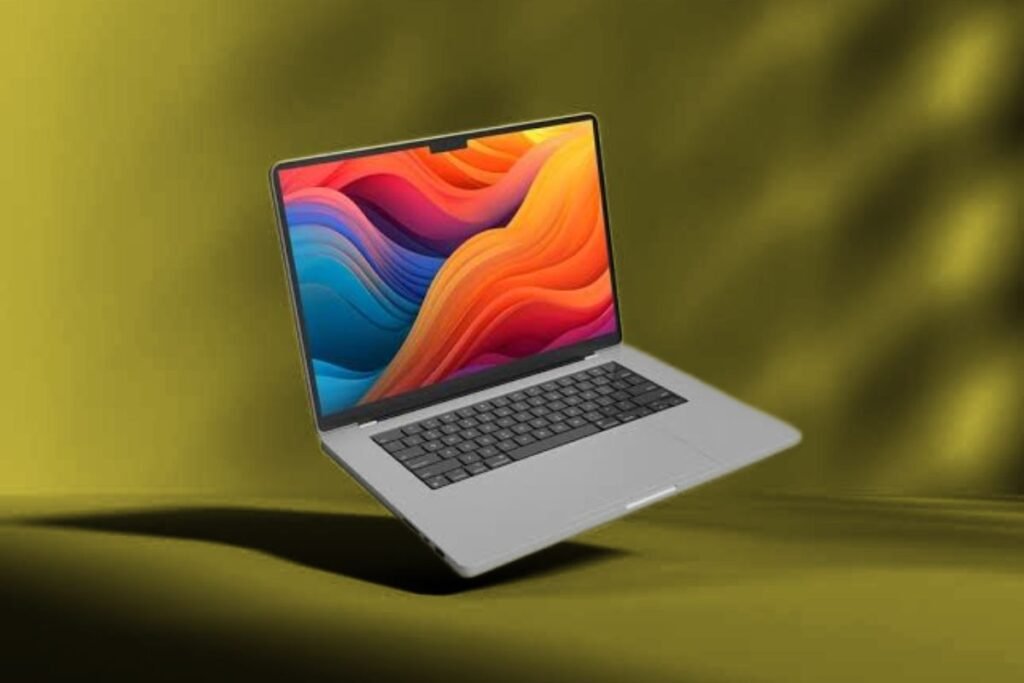
A laptop is a complete portable computer capable of handling both everyday and demanding tasks.
Modern laptops feature:
- Powerful processors
- Dedicated or integrated graphics
- Large SSD storage
- High RAM capacity
- Professional software compatibility
Laptops are built for productivity and performance.
Best Uses
- Programming
- Graphic design
- Video editing
- Gaming
- Engineering software
- Professional work
Passionate about technology and innovation? Explore techhatoz.com for the latest tech trends, in-depth tutorials, product reviews, and expert insights—all in one place.
Tablet vs Notebook vs Laptop: Quick Comparison
| Feature | Tablet | Notebook | Laptop |
| Portability | ⭐⭐⭐⭐⭐ | ⭐⭐⭐⭐ | ⭐⭐⭐ |
| Performance | ⭐⭐ | ⭐⭐⭐ | ⭐⭐⭐⭐⭐ |
| Battery Life | ⭐⭐⭐⭐⭐ | ⭐⭐⭐⭐ | ⭐⭐⭐⭐ |
| Keyboard | Optional | Built-in | Built-in |
| Touchscreen | Yes | Sometimes | Optional |
| Gaming | Limited | Basic | Excellent |
| Video Editing | Limited | Basic | Professional |
| Price | Low to Medium | Affordable | Medium to Premium |
| Weight | Very Light | Light | Heavier |
| Productivity | Medium | Good | Excellent |
Tablet vs Notebook vs Laptop: Detailed Comparison
1. Performance
Performance is one of the biggest differences.
Tablets
Tablets use mobile processors that prioritize battery life over raw computing power.
They perform well for:
- Watching videos
- Reading
- Social media
- Office apps
- Online classes
However, they struggle with demanding software.
Notebooks
Notebooks provide moderate computing performance.
Perfect for:
- Microsoft Office
- Google Docs
- Zoom meetings
- Web browsing
- Student work
Laptops
Laptops offer desktop-like performance.
Ideal for:
- Programming
- CAD software
- Photoshop
- Premiere Pro
- Gaming
- AI applications
Winner: Laptop
2. Portability
If you travel frequently, portability matters.
Tablet
Usually weighs between 300 and 700 grams.
Fits easily inside a handbag.
Notebook
Usually weighs around 1–1.5 kg.
Easy to carry every day.
Laptop
Performance laptops may weigh 2–3 kg.
Ultrabooks remain lighter but cost more.
Winner: Tablet
3. Display Experience
Display quality affects entertainment and productivity.
Tablets
- Excellent touchscreens
- Bright colors
- High resolution
- Stylus support
Notebooks
Usually offer Full HD displays with decent quality.
Laptops
Premium laptops may include:
- OLED displays
- 4K resolution
- High refresh rates
- Better color accuracy
Winner: Laptop
4. Battery Life
Battery life depends on usage.
| Device | Average Battery |
| Tablet | 8–15 Hours |
| Notebook | 7–12 Hours |
| Laptop | 5–12 Hours |
Tablets generally consume the least power.
Winner: Tablet
5. Software Compatibility
Tablets
Mostly use mobile applications.
Some desktop software isn’t available.
Notebooks
Run Windows or ChromeOS.
Suitable for everyday applications.
Laptops
Support virtually every professional application, including:
- AutoCAD
- Adobe Creative Cloud
- Visual Studio
- Blender
- MATLAB
Winner: Laptop
6. Keyboard Experience
Tablet
An external keyboard is often sold separately.
Notebook
Comfortable keyboard for everyday typing.
Laptop
Best keyboard options for professionals and writers.
Winner: Laptop
7. Storage Capacity
Tablets usually include:
- 64GB
- 128GB
- 256GB
Notebooks:
- 256GB SSD
- 512GB SSD
Laptops:
- 512GB SSD
- 1TB SSD
- 2TB SSD
Many laptops also support upgrades.
Winner: Laptop
8. Gaming Capability
Tablets
Suitable for mobile gaming.
Notebooks
Can run casual PC games.
Laptops
Gaming laptops support:
- AAA games
- High graphics
- VR gaming
- Streaming
Winner: Laptop
9. Price Comparison
| Device | Typical Price |
| Tablet | Budget to Mid-range |
| Notebook | Affordable |
| Laptop | Mid-range to Premium |
Budget users often choose notebooks.
Professionals usually invest in laptops.
Which Device Is Best for Students?
Students generally benefit from notebooks because they are affordable, lightweight, and capable of handling assignments, presentations, research, and online classes.
However, tablets are excellent for reading eBooks and handwritten notes, while laptops are better for engineering, architecture, programming, and design courses.
Which Device Is Best for Business Professionals?
Professionals who travel frequently may prefer a tablet paired with a keyboard for meetings and presentations.
Office workers who mainly use productivity software can choose a notebook.
Professionals handling heavy workloads should invest in a laptop.
Which Device Is Best for Content Creators?
Content creators usually need:
- Fast processors
- Dedicated graphics
- Large SSDs
- Color-accurate displays
A laptop is the best option for editing photos, videos, animations, and graphics.
Which Device Is Best for Travelers?
Frequent travelers appreciate lightweight devices.
Tablets are ideal for:
- Reading
- Streaming
- Navigation
- Video calls
Notebooks offer a better balance between portability and productivity.
Pros and Cons

Tablet
Pros
- Lightweight
- Excellent battery
- Touchscreen
- Affordable
- Portable
Cons
- Limited software
- Smaller storage
- Less productive for heavy work
Notebook
Pros
- Budget-friendly
- Lightweight
- Good battery
- Comfortable keyboard
Cons
- Moderate performance
- Limited upgrade options
Laptop
Pros
- Highest performance
- Professional software support
- Upgradeable
- Best multitasking
- Gaming capable
Cons
- Heavier
- More expensive
How to Choose Between a Tablet, Notebook, and Laptop
Ask yourself these questions:
Buy a Tablet If:
- You mainly browse the web
- You watch videos often
- You read eBooks
- You travel frequently
- You want maximum portability
Buy a Notebook If:
- You’re a student
- You write documents
- You attend online classes
- You need an affordable computer
Buy a Laptop If:
- You edit videos
- You design graphics
- You develop software
- You play modern games
- You multitask heavily
Final Verdict
The choice between a tablet, notebook, and laptop depends entirely on your needs. If portability is your top priority, a tablet is hard to beat. If you’re looking for a balance of affordability and productivity, a notebook is an excellent choice. But if you require maximum performance for professional work, gaming, or creative projects, a laptop remains the most powerful and versatile option.
When comparing tablet vs notebook vs laptop, there isn’t a single winner for everyone. Choose a tablet if portability, entertainment, and note-taking matter most. Choose a notebook if you need an affordable and lightweight computer for study or office work. Choose a laptop if performance, multitasking, and professional software are your priorities.
Understanding your daily workflow is the best way to select the right device. A tablet is ideal for mobility, a notebook balances portability with productivity, and a laptop remains the most capable all-around computing solution. By understanding the strengths and limitations of each device, you can invest in technology that fits your lifestyle, budget, and long-term goals.
FAQs
Q: What is the main difference between a tablet, a notebook, and a laptop?
Ans: A tablet uses a touchscreen and a mobile operating system, a notebook is a lightweight computer for everyday tasks, and a laptop offers higher performance for professional work, gaming, and multitasking.
Q: Is a notebook better than a tablet?
Ans: A notebook is better for typing, office work, and multitasking, while a tablet is better for portability, entertainment, and casual use.
Q: Can a tablet replace a laptop?
Ans: For basic tasks like browsing, streaming, note-taking, and email, yes. However, professionals usually need a laptop for advanced software and demanding workloads.
Q: Which is better for students?
Ans: Most students benefit from notebooks because they provide a good balance of affordability, portability, and productivity.
Q: Which device has the longest battery life?
Ans: Tablets generally offer the longest battery life because they use energy-efficient mobile processors.
Q: Are notebooks good for gaming?
Ans: Most notebooks can handle casual gaming, but gaming laptops are significantly better for modern AAA games.
Q: Which device is best for video editing?
Ans: A laptop with a powerful processor, dedicated graphics card, and sufficient RAM is the best choice for video editing.
Q: Should I buy a laptop or a tablet for work?
Ans: If your work involves professional software, multitasking, or content creation, choose a laptop. For meetings, travel, and light office work, a tablet may be sufficient.




1 Comment