
 -by
-by Finding the best affordable laptop can feel overwhelming because there are hundreds of models available. Whether you’re a student attending online classes, a remote worker, a freelancer, or someone who simply needs a reliable computer for everyday tasks, choosing the right laptop doesn’t have to be expensive.
Modern budget laptops offer excellent performance, long battery life, Full HD displays, and lightweight designs at affordable prices. The key is understanding which features matter most for your daily work and study needs.
In this guide, you’ll learn how to choose the best affordable laptop, what specifications to prioritize, and the top budget-friendly options available today.
Why Choose an Affordable Laptop?
Affordable laptops have improved dramatically over the past few years. Many budget models now include:
- Fast SSD storage
- Full HD displays
- Long battery life
- Lightweight designs
- Modern Intel and AMD processors
- USB-C connectivity
- Wi-Fi 6 support
Unless you’re editing 4K videos or playing demanding games, an affordable laptop is more than enough for everyday productivity.
Who Should Buy an Affordable Laptop?

The best affordable laptop is perfect for:
- Students
- College learners
- Teachers
- Office workers
- Remote employees
- Freelancers
- Bloggers
- Writers
- Small business owners
- Home users
Best Affordable Laptop Picks
01. Acer Aspire 5
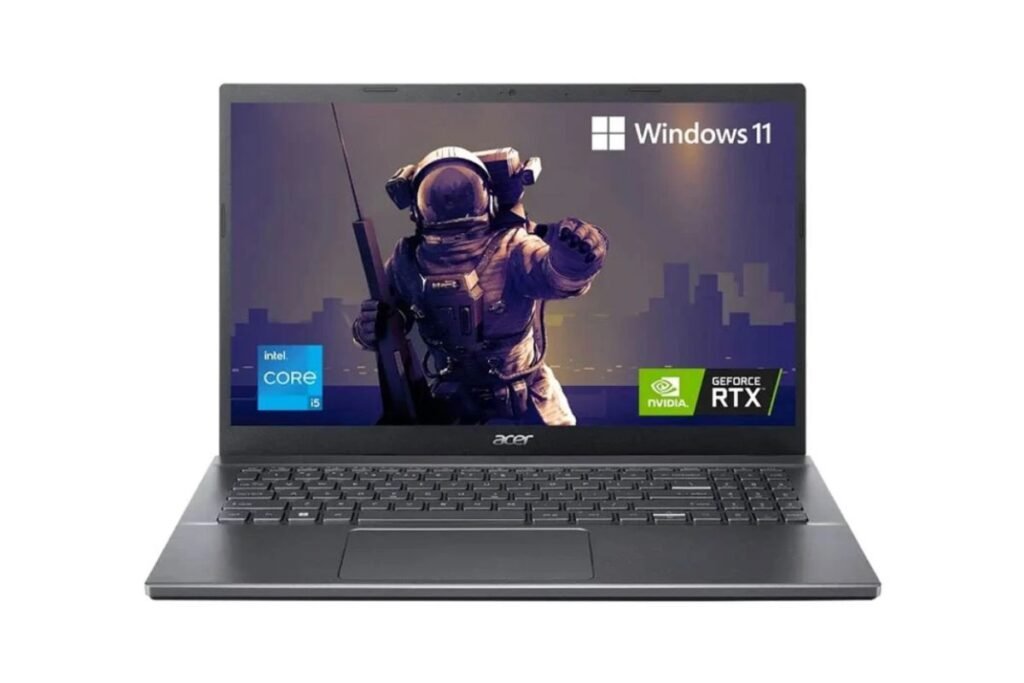
Best Overall
Pros
- Excellent performance
- Full HD IPS display
- Comfortable keyboard
- Good battery life
- Affordable price
Cons
- Average speakers
Best for:
- Office work
- Online classes
- Microsoft Office
- Zoom meetings
- Web browsing
02. Lenovo IdeaPad Slim Series
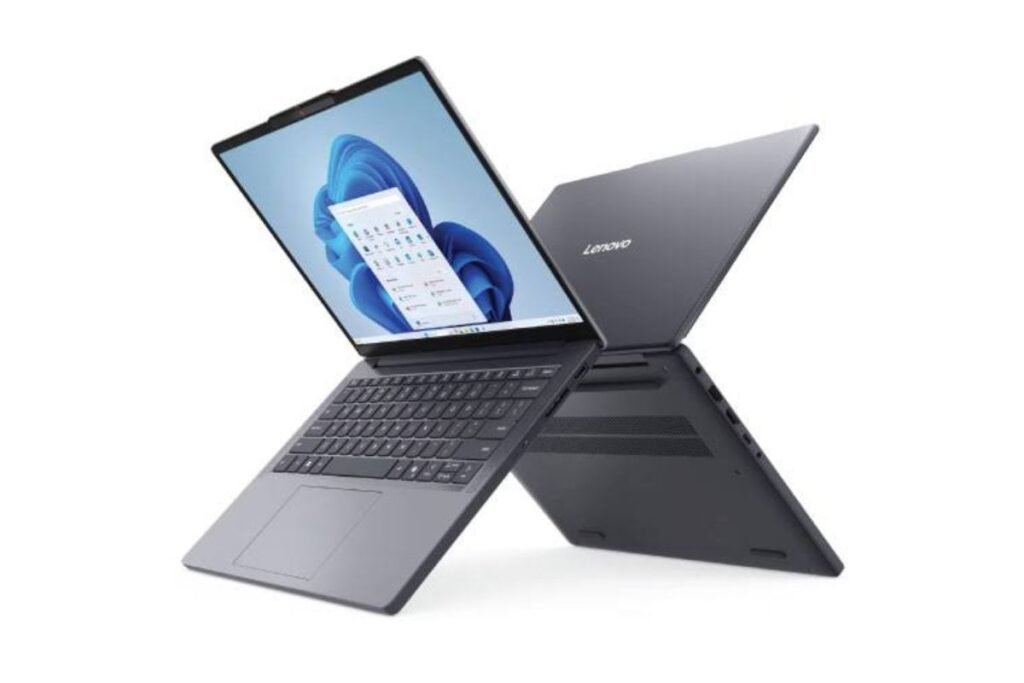
Best for Students
Pros
- Lightweight
- Reliable build quality
- Fast SSD
- Comfortable typing experience
Cons
- Limited gaming performance
Perfect for:
- Assignments
- Google Docs
- Research
- Online learning
03. ASUS Vivobook Series
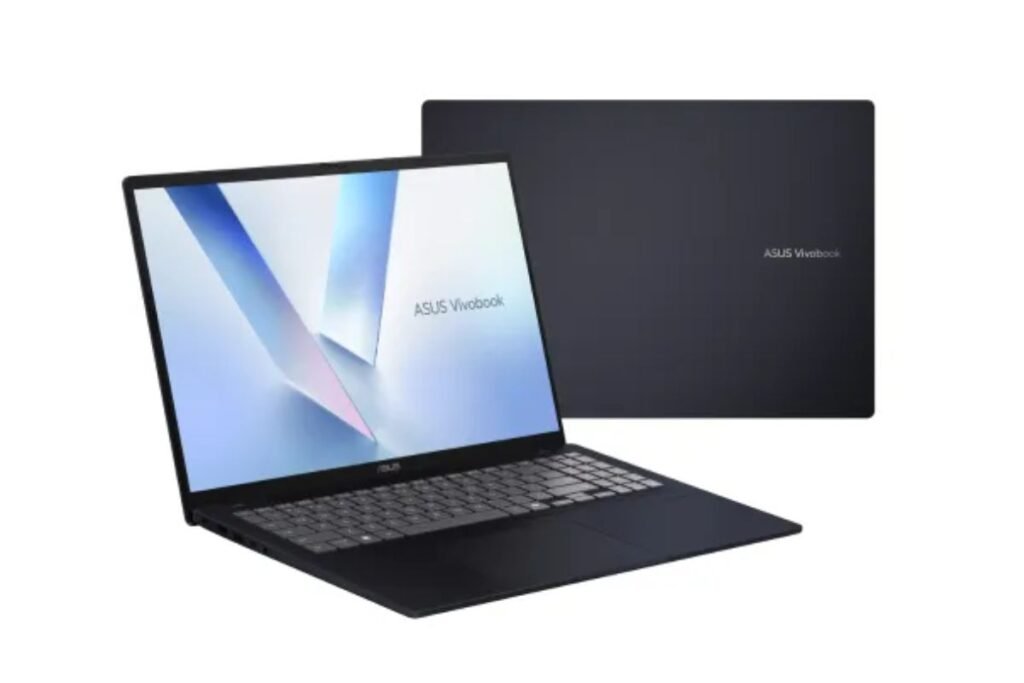
Best Value for Money
Pros
- Stylish design
- Fast processor
- Thin and portable
- Bright display
Cons
- Webcam quality could be better
Ideal for:
- Students
- Freelancers
- Office users
04. HP Laptop 15
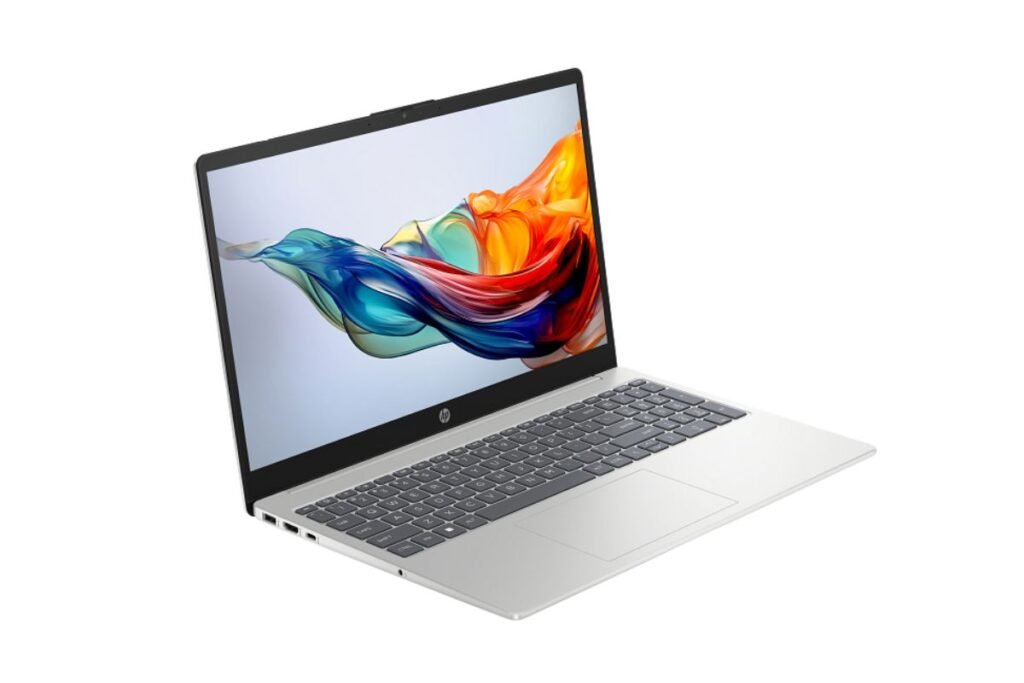
Best Battery Life
Pros
- Large display
- Good battery
- Reliable performance
- Easy upgrades
Cons
- Slightly heavier
Recommended for:
- Remote work
- Business users
- Daily productivity
05. Dell Inspiron Series
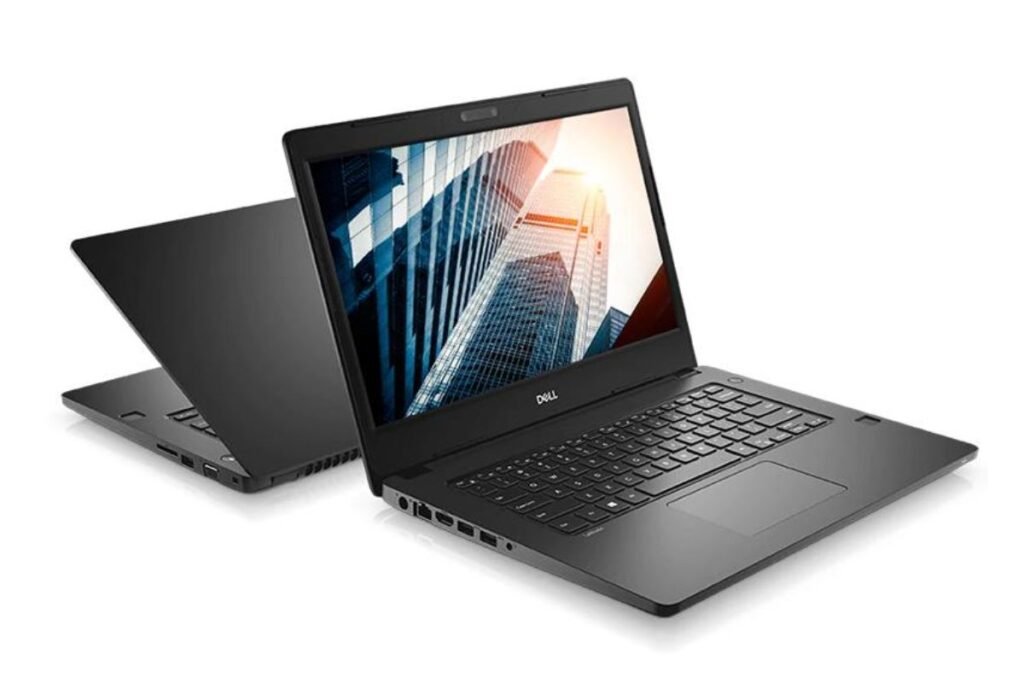
Best Build Quality
Pros
- Durable
- Reliable keyboard
- Excellent customer support
Cons
- Slightly more expensive
Suitable for:
- Professionals
- Students
- Everyday computing
Minimum Specifications You Should Buy
Before purchasing the best affordable laptop, consider these minimum specifications.
Processor
Recommended:
- Intel Core i5
- AMD Ryzen 5
Budget option:
- Intel Core i3
- AMD Ryzen 3
Avoid very old processors if possible.
RAM
Minimum:
8GB RAM
Recommended:
16GB RAM
More RAM improves multitasking significantly.
Storage
Choose SSD storage instead of HDD.
Recommended:
- 256GB SSD
- 512GB SSD
SSD makes your laptop boot faster and improves overall performance.
Display
Look for:
- 15.6-inch Full HD
- IPS Panel
- Anti-glare screen
A Full HD display provides sharper text and reduces eye strain.
Battery Life
Choose a laptop that offers at least:
- 8 hours of battery life
Long battery life is especially useful for students and remote workers.
Best Operating System
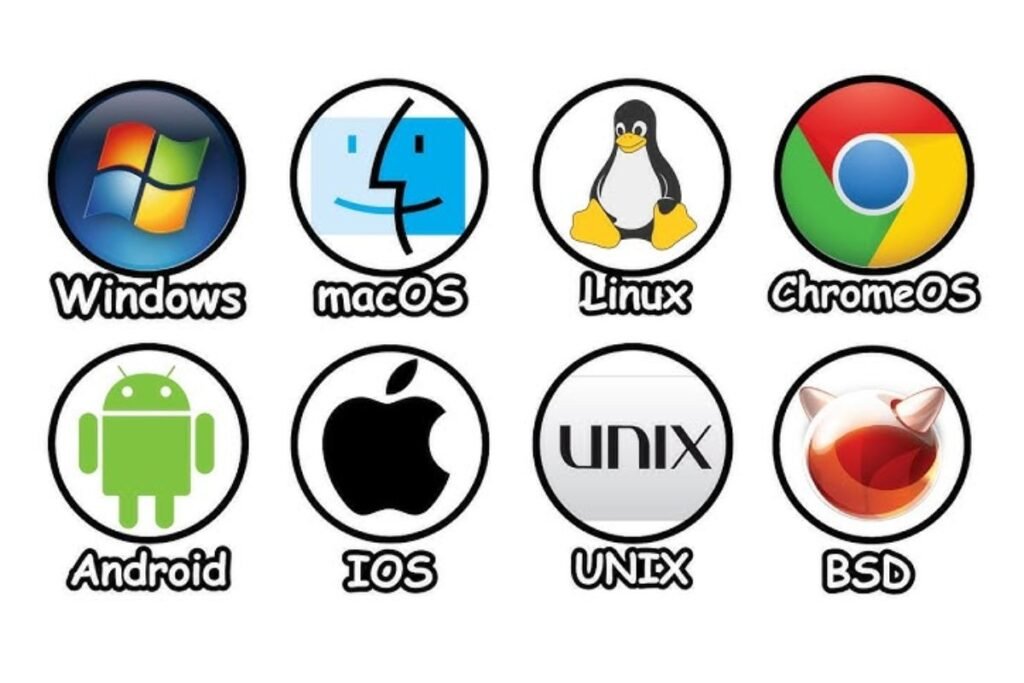
Windows
Best for:
- Office work
- Students
- Business
- General productivity
ChromeOS
Great for:
- Web browsing
- Google Workspace
- Online learning
macOS
Excellent for:
- Apple users
- Creative professionals
Usually less affordable than Windows laptops.
Features That Matter Most
Prioritize these features:
- Backlit keyboard
- Fingerprint reader
- USB-C port
- HDMI port
- Wi-Fi 6
- Bluetooth 5.2
- Webcam with privacy shutter
How Much Should You Spend?
Typical budget ranges:
- Under $300: Basic tasks
- $300–$500: Best value
- $500–$700: Excellent performance
- $700+: Premium features
Most users can find the best affordable laptop between $400 and $600.
Tips Before Buying

Always:
- Read customer reviews.
- Compare specifications.
- Check warranty coverage.
- Buy from trusted retailers.
- Look for seasonal discounts.
Common Mistakes to Avoid
Avoid buying a laptop with:
- Less than 8GB RAM
- Mechanical HDD only
- Low-resolution display
- Outdated processor
- Poor battery life
These limitations can affect productivity over time.
How to Make Your Laptop Last Longer
Follow these simple tips:
- Keep the software updated.
- Use antivirus protection.
- Avoid overheating.
- Store files in cloud storage.
- Clean the keyboard regularly.
- Use a protective laptop sleeve.
With proper care, a budget laptop can last five years or more.
FAQs – Best Affordable Laptop
Q: What is the best affordable laptop for students?
Ans: The Lenovo IdeaPad Slim and Acer Aspire 5 are excellent choices because they combine performance, portability, and affordability.
Q: Is 8GB RAM enough?
Ans: Yes. Eight gigabytes is sufficient for web browsing, Microsoft Office, online classes, and multitasking. If your budget allows, 16GB offers better long-term performance.
Q: Is SSD better than HDD?
Ans: Yes. SSDs are significantly faster, more reliable, and improve overall system responsiveness.
Q: Which processor is best?
Ans: Intel Core i5 and AMD Ryzen 5 processors offer the best balance of performance and price for most users.
Q: Can affordable laptops handle remote work?
Ans: Absolutely. Budget laptops are capable of video conferencing, document editing, spreadsheets, presentations, email, and web-based applications.
Final Thoughts
Choosing the best affordable laptop doesn’t mean sacrificing quality. Today’s budget-friendly laptops offer excellent performance, long battery life, and modern features suitable for students, professionals, freelancers, and home users.
When shopping, prioritize an SSD, at least 8GB of RAM, a Full HD display, and a recent Intel Core i5 or AMD Ryzen 5 processor. These specifications provide a smooth experience for work, study, and everyday computing.
For more technology buying guides, visit TechAllWorld.com and Techhatoz.com. If you’re planning a vacation after completing your studies or work projects, explore travel inspiration at BeachNear.net. Looking for dining recommendations? Check out Restaurent.net for restaurant guides and food-related content.





8 Comments