 -by
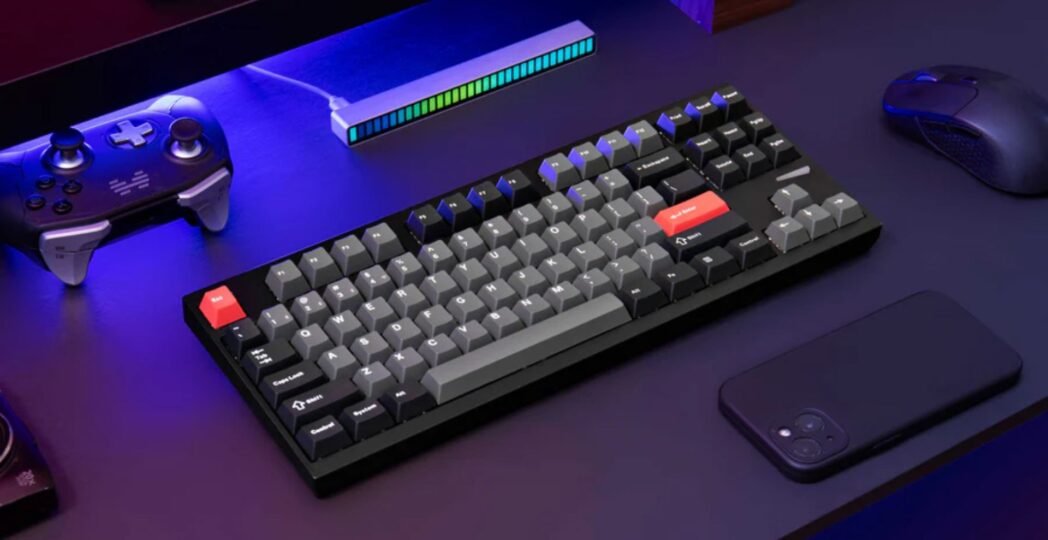
-by Gaming keyboards have become one of the most important parts of every gaming setup. Whether you enjoy competitive esports, casual gaming, or content creation, the right keyboard improves speed, comfort, and overall performance.
Today’s premium gaming keyboards offer ultra-fast switches, customizable RGB lighting, durable materials, wireless connectivity, hot-swappable switches, and advanced software. Fortunately, you don’t need to spend more than $350 to get a flagship model.
This guide compares the best Gaming Keyboards under $350, explains their strengths, and helps you choose the perfect keyboard for your gaming style.
Why Choose a Premium Gaming Keyboard?
A premium gaming keyboard delivers much more than colorful lighting.
Benefits include:
- Faster response times
- Better durability
- More accurate keystrokes
- Comfortable typing
- Premium build quality
- Customizable RGB lighting
- Programmable macros
- Wireless options with low latency
- Better gaming performance
Unlike cheaper keyboards, premium models are built to last for years.
Best Gaming Keyboards Under $350
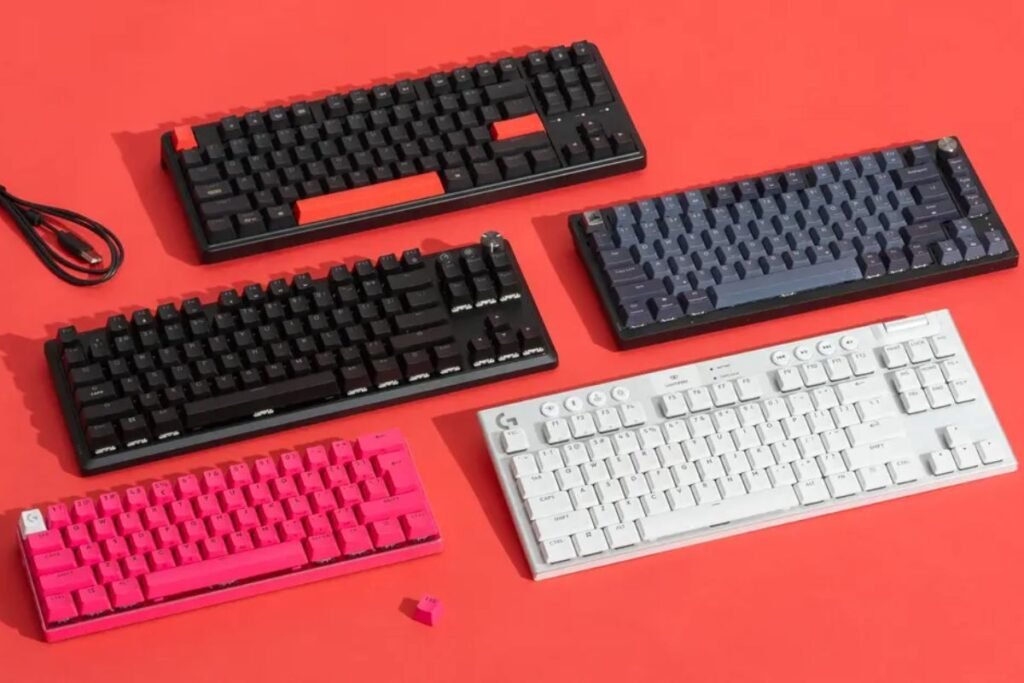
01. SteelSeries Apex Pro Gen 3
Best Overall Gaming Keyboard
Price: Around $240–$300
Key Features:
- Adjustable Hall Effect switches
- OLED smart display
- Aircraft-grade aluminum frame
- Per-key RGB lighting
- Magnetic wrist rest
- Rapid Trigger support
Pros:
- Extremely fast response
- Premium build quality
- Excellent software
- Comfortable for long sessions
Cons:
- Premium price
- Learning curve for adjustable switches
This keyboard is ideal for competitive FPS players who want the fastest possible input.
02. Logitech G Pro X TKL Lightspeed
Best Wireless Gaming Keyboard
Price: Around $200–$250
Key Features:
- Wireless Lightspeed technology
- Compact TKL design
- RGB lighting
- Dedicated media controls
- Excellent battery life
Pros:
- Reliable wireless performance
- Lightweight
- Tournament-ready
- Excellent battery
Cons:
- No number pad
Professional esports players frequently choose this keyboard because of its reliable wireless connection.
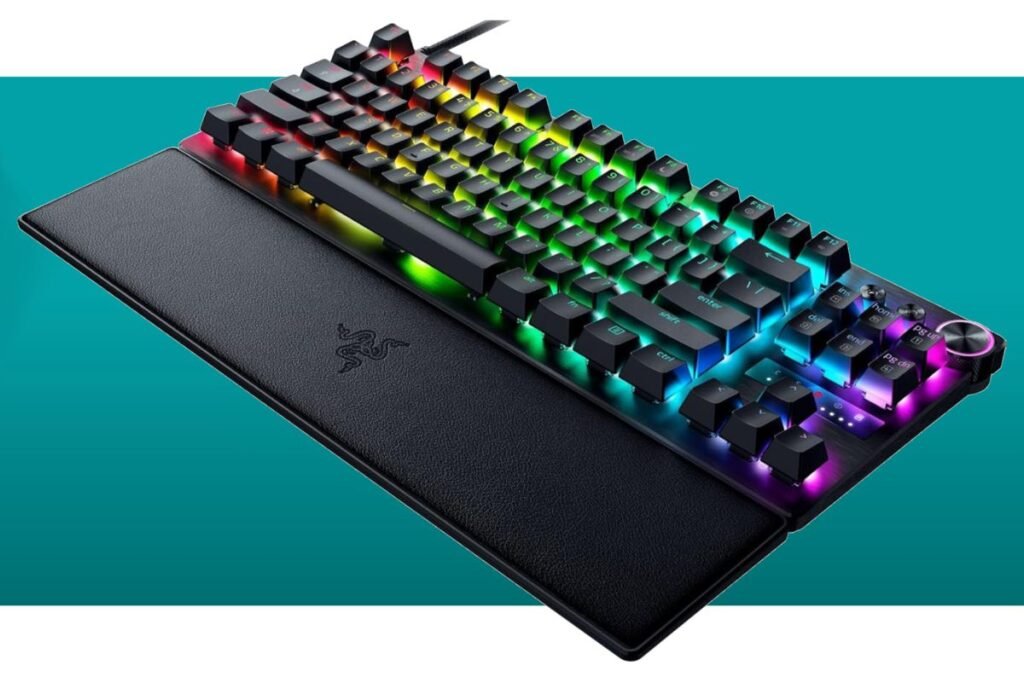
03. Razer Huntsman V3 Pro
Best for Competitive Gaming
Price: Around $250
Features:
- Analog optical switches
- Adjustable actuation
- Rapid Trigger technology
- Aluminum construction
- Dedicated media controls
Pros:
- Incredible speed
- Excellent software
- Comfortable typing
- Premium materials
Cons:
- Software can feel complex
Competitive gamers will appreciate its adjustable actuation for different game genres.
04. Corsair K100 RGB
Best Full-Size Gaming Keyboard
Price: Around $220
Highlights:
- Optical switches
- Dedicated macro keys
- RGB LightEdge
- Media wheel
- USB passthrough
Pros:
- Outstanding build
- Excellent RGB
- Comfortable wrist rest
- Powerful customization
Cons:
- Large footprint
The Corsair K100 remains one of the best choices for gamers who also work or stream.
05. ASUS ROG Azoth
Best Custom Mechanical Gaming Keyboard
Price: Around $250–300
Features:
- OLED display
- Gasket mount
- Hot-swappable switches
- Wireless connectivity
- Sound-dampening foam
Pros:
- Amazing typing experience
- Premium design
- Excellent battery
- Easy customization
Cons:
- Smaller layout
If you enjoy customizing keyboards, the ASUS ROG Azoth offers exceptional flexibility.
06. Keychron Q6 Max
Best for Typing and Gaming
Price: Around $220
Features:
- Full aluminum body
- Hot-swappable switches
- Wireless support
- Gasket mount
- Excellent acoustics
Pros:
- Fantastic typing
- Durable construction
- Smooth switches
- Premium feel
Cons:
- Heavy
This keyboard works equally well for office work and gaming.
07. Wooting 80HE
Best Hall Effect Gaming Keyboard
Price: Around $220
Features:
- Lekker magnetic switches
- Adjustable actuation
- Rapid Trigger
- Analog input
- Compact layout
Pros:
- Extremely responsive
- Highly customizable
- Excellent software
- Perfect for esports
Cons:
- Limited availability
The Wooting 80HE has become a favorite among competitive gamers.
Comparison Table
| Keyboard | Best For | Switch Type | Wireless | Price |
| SteelSeries Apex Pro Gen 3 | Overall | Hall Effect | Yes | $240-$300 |
| Logitech G Pro X TKL | Wireless | Mechanical | Yes | $200-$250 |
| Razer Huntsman V3 Pro | FPS Gaming | Optical | No | $250 |
| Corsair K100 RGB | Full Size | Optical | No | $220 |
| ASUS ROG Azoth | Custom Build | Mechanical | Yes | $250-$300 |
| Keychron Q6 Max | Typing | Mechanical | Yes | $220 |
| Wooting 80HE | Hall Effect | Magnetic | Yes | $220 |
How to Choose the Best Gaming Keyboard
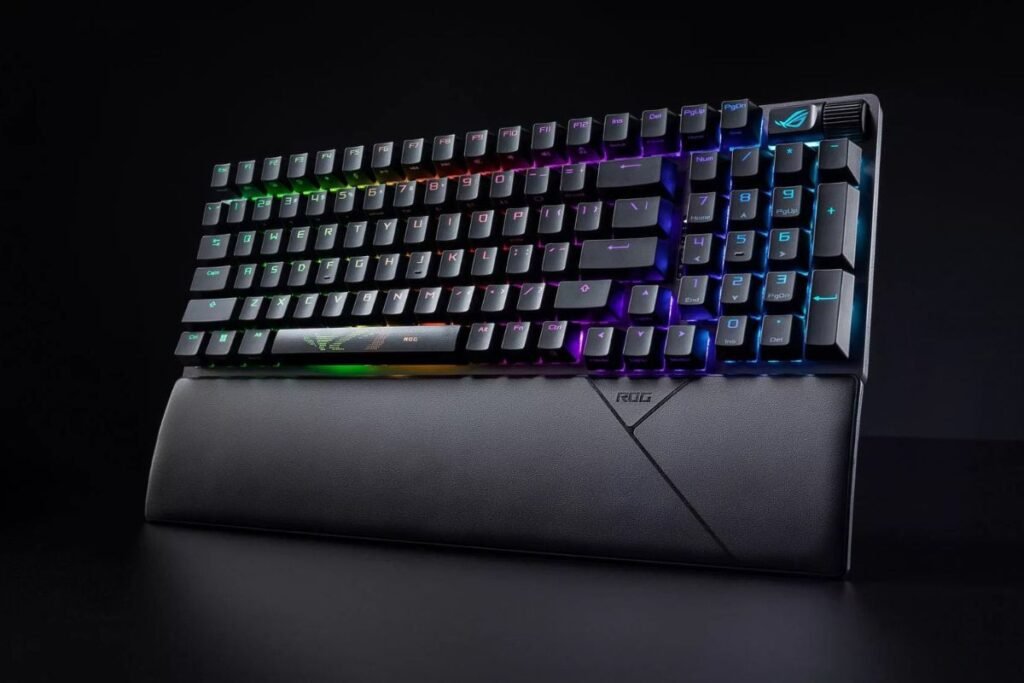
Keyboard Size
Choose a layout that fits your desk.
- Full-size for productivity
- TKL for gaming
- 75% for balance
- 60% for portability
Switch Type
Mechanical switches provide better feedback and durability.
Popular choices include:
- Linear
- Tactile
- Clicky
- Optical
- Hall Effect
Wired vs Wireless
Modern wireless keyboards offer nearly identical performance to wired models.
Wireless benefits include:
- Cleaner desk
- Greater portability
- Flexible setup
Wired keyboards never require charging.
RGB Lighting
RGB lighting improves aesthetics and can also help organize custom gaming profiles.
Look for:
- Per-key RGB
- Software customization
- Multiple lighting effects
Build Quality
Premium materials increase durability.
The best gaming keyboards usually include:
- Aluminum frames
- Double-shot PBT keycaps
- Detachable USB cables
- Quality stabilizers
Gaming Keyboard Features Worth Paying For
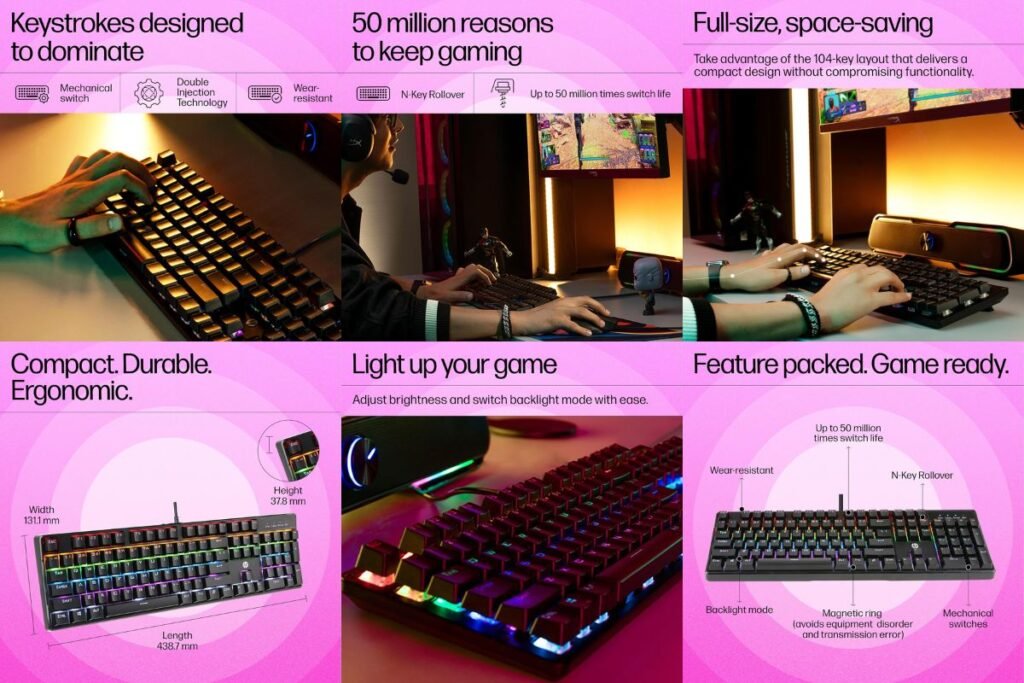
Premium features include:
- Adjustable actuation
- Rapid Trigger
- Hot-swappable switches
- Dedicated macro keys
- OLED display
- Wireless connectivity
- Sound dampening
- Wrist rest
- Media controls
- USB passthrough
Best Gaming Keyboard for Different Gamers
FPS Players
Choose:
- SteelSeries Apex Pro Gen 3
- Wooting 80HE
- Razer Huntsman V3 Pro
MMO Players
Choose:
- Corsair K100 RGB
Dedicated macro keys make MMO gameplay much easier.
Streamers
The ASUS ROG Azoth and Corsair K100 offer excellent customization for streaming setups.
Office and Gaming
The Keychron Q6 Max provides outstanding typing comfort while remaining excellent for gaming.
Gaming Keyboard Maintenance Tips
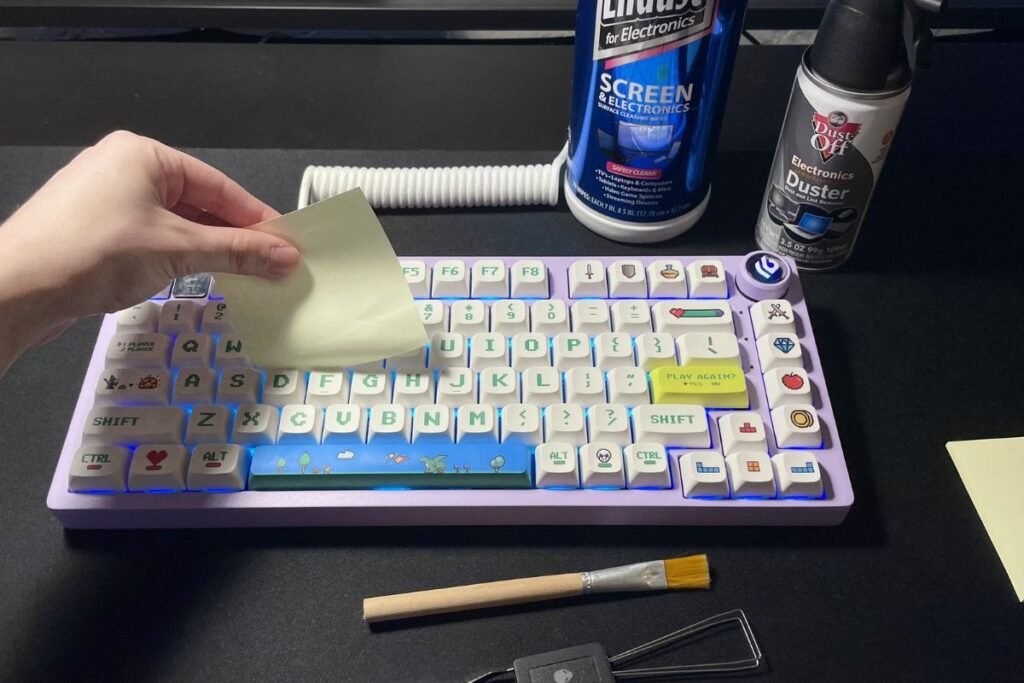
Keep your keyboard performing like new.
- Clean weekly
- Remove dust regularly
- Use a keycap puller
- Update firmware
- Keep software updated
- Avoid eating over your keyboard
- Store it safely during travel
FAQs
Q: Are expensive gaming keyboards worth it?
Ans: Yes. Premium gaming keyboards provide better durability, faster response times, improved switches, and enhanced customization.
Q: Which switch is best for gaming?
Ans: Linear switches remain the most popular because they offer smooth and fast keystrokes. Hall Effect switches are becoming the preferred option for competitive gaming.
Q: Is wireless good for gaming?
Ans: Modern wireless gaming keyboards deliver extremely low latency and perform almost as well as wired models.
Q: How long do gaming keyboards last?
Ans: A quality gaming keyboard can last five to ten years with proper care.
Q: Should I buy a hot-swappable keyboard?
Ans: Yes. Hot-swappable keyboards let you replace switches without soldering, making customization much easier.
Additional Resources
Building a complete gaming setup goes beyond choosing the right keyboard. If you’re planning to upgrade your gaming laptop, monitor, or accessories, visit Techhatoz.com for detailed technology buying guides and hardware reviews. You can also explore more gaming gear recommendations and PC accessories on TechAllWorld.com.
After long gaming sessions, many gamers enjoy exploring great food while traveling. Discover restaurant recommendations worldwide on Restaurent.net. If your travels take you to coastal destinations, BeachNear.net offers guides to beautiful beaches, nearby attractions, and local dining options.
Final Verdict
Finding the best Gaming Keyboards under $350 has never been easier. Today’s premium keyboards combine speed, durability, comfort, and customization without exceeding your budget.
If you want the best overall experience, the SteelSeries Apex Pro Gen 3 stands out with its Hall Effect switches and advanced features. Competitive gamers will appreciate the Wooting 80HE or Razer Huntsman V3 Pro, while the Logitech G Pro X TKL Lightspeed is an excellent choice for wireless performance. For users who value both gaming and productivity, the Keychron Q6 Max and ASUS ROG Azoth offer exceptional versatility.



7 Comments